Creating a dedicated workspace at home is essential in today’s world, where remote work and flexible schedules are becoming the norm. A well-organized home office not only helps you stay productive but also ensures you feel comfortable and motivated throughout your workday. In this post, we’ll explore practical tips to help you design and maintain a home office that supports both your efficiency and well-being.
1. Choose the Right Location and Setup
The first step to an organized home office is selecting a suitable location. Ideally, this space should be quiet, well-lit, and separate from high-traffic areas in your home to minimize distractions.
Consider Your Lighting
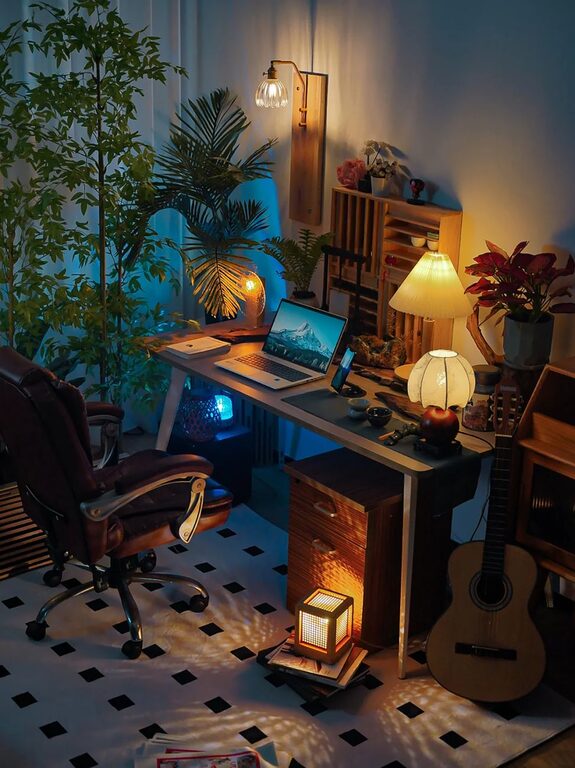
Natural light can improve mood and focus, so try to set up near a window if possible. Balance this with adjustable artificial lighting like a desk lamp to reduce eye strain during darker hours.
Invest in Comfortable Furniture
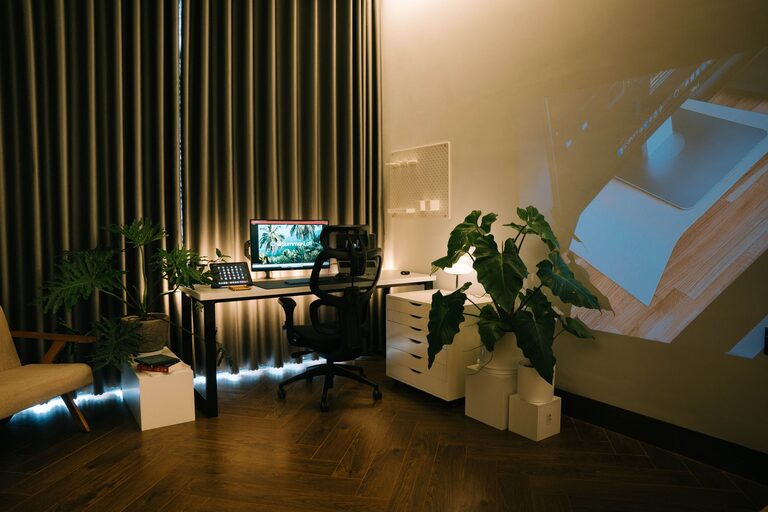
Your chair and desk setup significantly impact comfort and posture. Choose an ergonomic chair that supports your back, and keep your desk height appropriate to avoid strain. Adjustable desks that allow you to alternate between sitting and standing can also add flexibility.
2. Declutter to Minimize Distractions
A cluttered workspace can make it difficult to focus and find what you need. Keep only essential items on your desk and store others away.
Use Storage Solutions
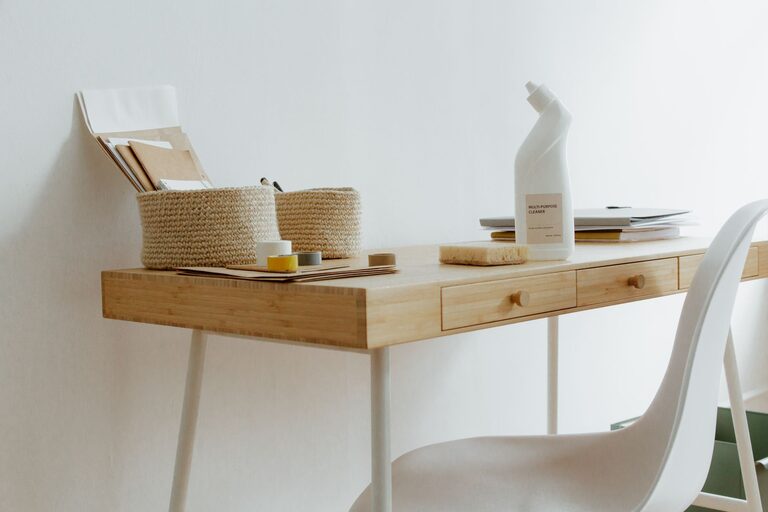
Shelves, filing cabinets, and desk organizers help keep papers, supplies, and electronics neatly arranged. Label storage bins or drawers for easier access.
Tidy Up Regularly
Set aside a few minutes at the end of each day to clear your desk and put things back in their place. This habit will make it pleasant to start fresh the next morning.
3. Organize Supplies and Technology Efficiently
Having your tools and tech in order saves time and reduces frustration during work.
Cable Management
Tangle-free cables improve your workspace’s appearance and prevent damage. Use cable clips, sleeves, or trays to keep cords organized and out of sight.
Keep Essential Supplies Handy
Store frequently used items like pens, notebooks, and chargers within arm’s reach and keep less critical supplies in drawers or cupboards.
4. Personalize Your Space to Enhance Comfort and Motivation
Adding personal touches can make your home office a space you enjoy spending time in without distracting from work.
Add Plants or Artwork
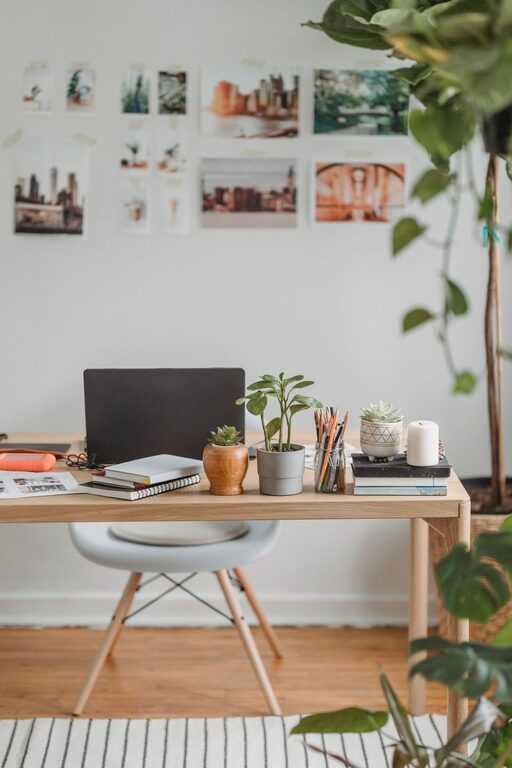
Indoor plants can improve air quality and provide a calming presence. Artwork or photos can inspire creativity and make the space feel welcoming.
Control Temperature and Air Quality
Ensure your workspace is adequately ventilated and at a comfortable temperature. A small fan, heater, or air purifier can make a big difference.
5. Establish Boundaries and a Routine
To maximize productivity, it’s important to set clear boundaries between work and home life.
Create Work Hours
Define your work schedule and stick to it as much as possible. Communicate these hours with family or housemates to reduce interruptions.
Take Regular Breaks
Short breaks help maintain focus and prevent burnout. Use a timer or app to remind yourself to stand, stretch, or step away from the screen periodically.
6. Utilize Digital Tools for Organization
Beyond physical organization, leveraging digital tools can streamline tasks and workflows.
Calendars and To-Do Lists
Apps like Google Calendar or task managers help you plan your day and prioritize responsibilities effectively.
Cloud Storage and Backup
Keep your digital files organized with cloud-based solutions to access documents easily and safeguard your work.
—
By following these tips, you can design a home office that promotes both productivity and comfort. Remember that organizing your workspace is an ongoing process—adjust and update your setup as your needs evolve. With a thoughtfully arranged home office, you’ll find it easier to focus, stay motivated, and enjoy your work-from-home experience.
About the Author